
Products and receipts
Bring a product list, your selling units and an example receipt. Ask VPOS to walk through a sale, a return and the records you need.
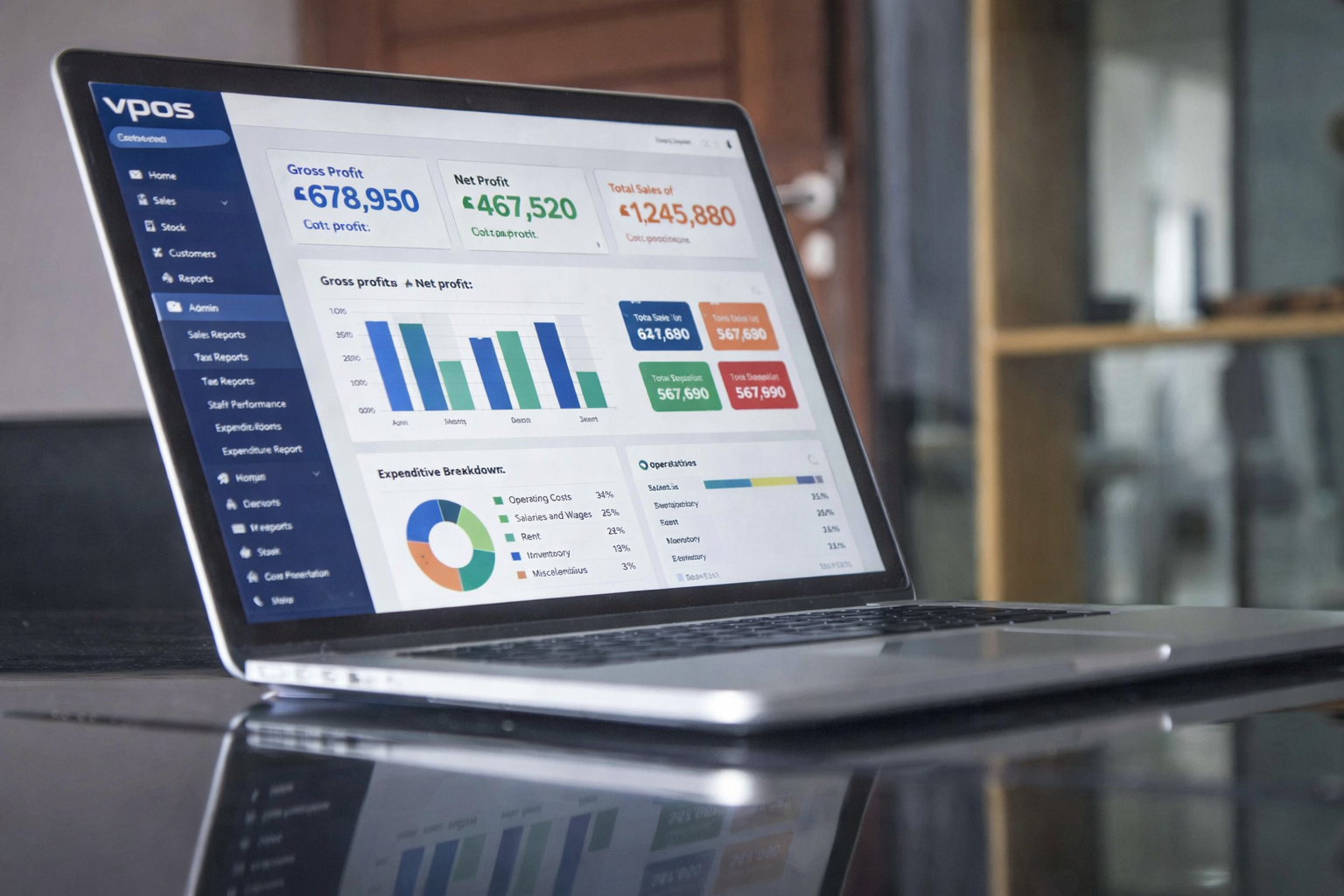
Book a VPOS demonstration around your sales counter, stock records and payment process. Tell the VPOS team how many tills and branches you operate and which devices you use.

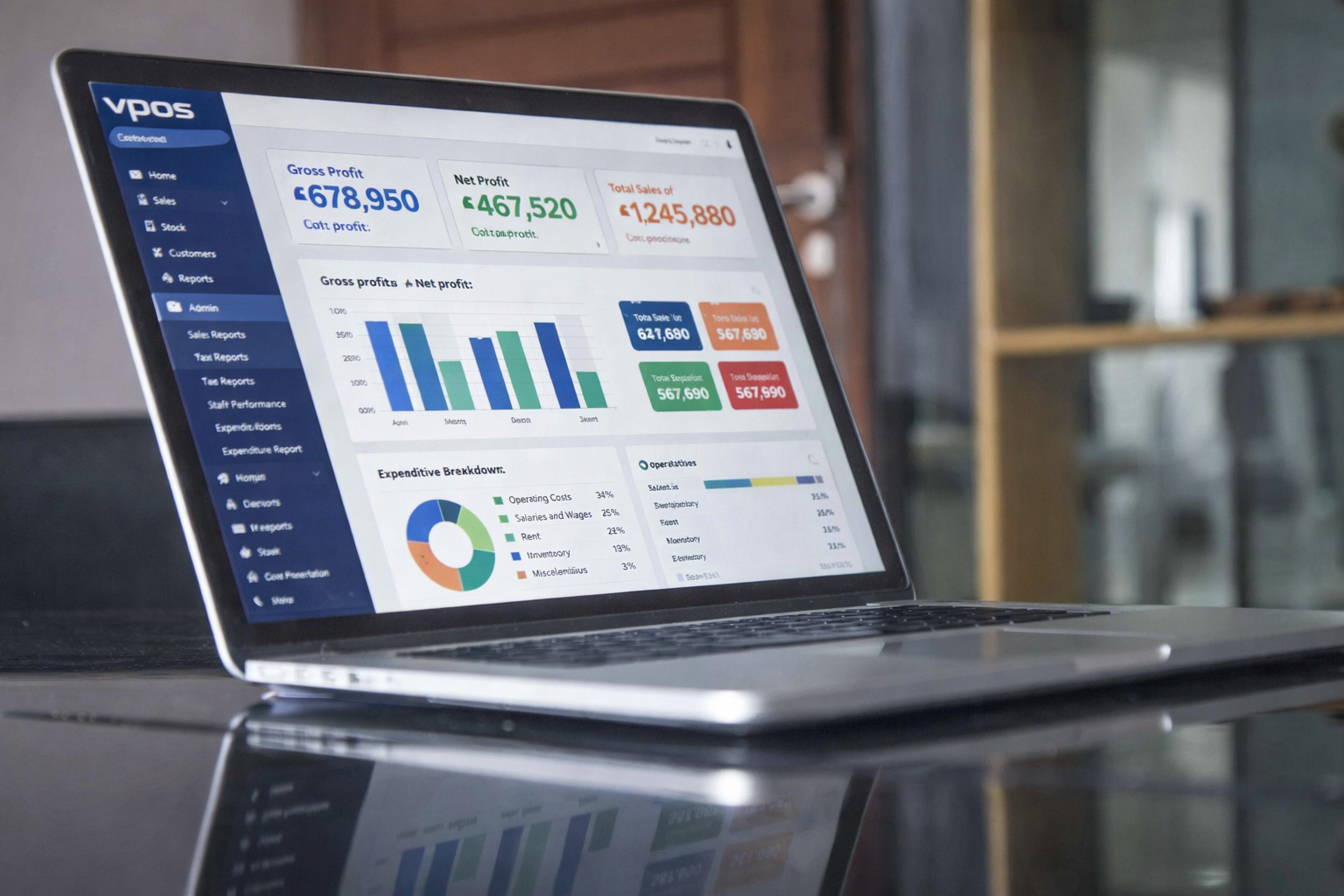
Tell the VPOS team whether you run a shop, wholesale outlet, pharmacy, agrovet, hardware store, restaurant or service business. Bring examples of the transactions you need to handle.
Describe your sales and stock process when you contact the VPOS team.
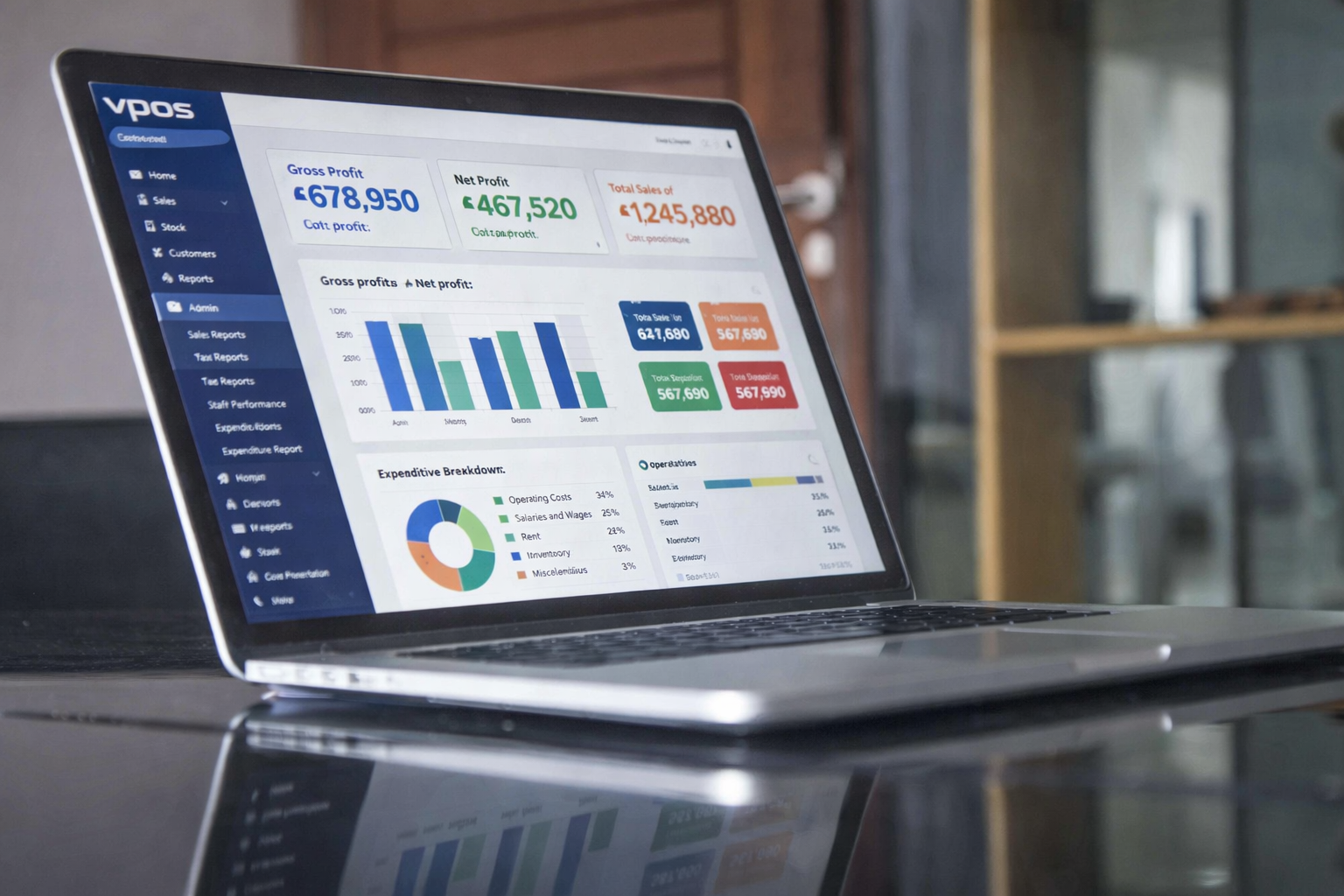
Bring sample products and a daily sales report so the VPOS team can walk through the records you need.

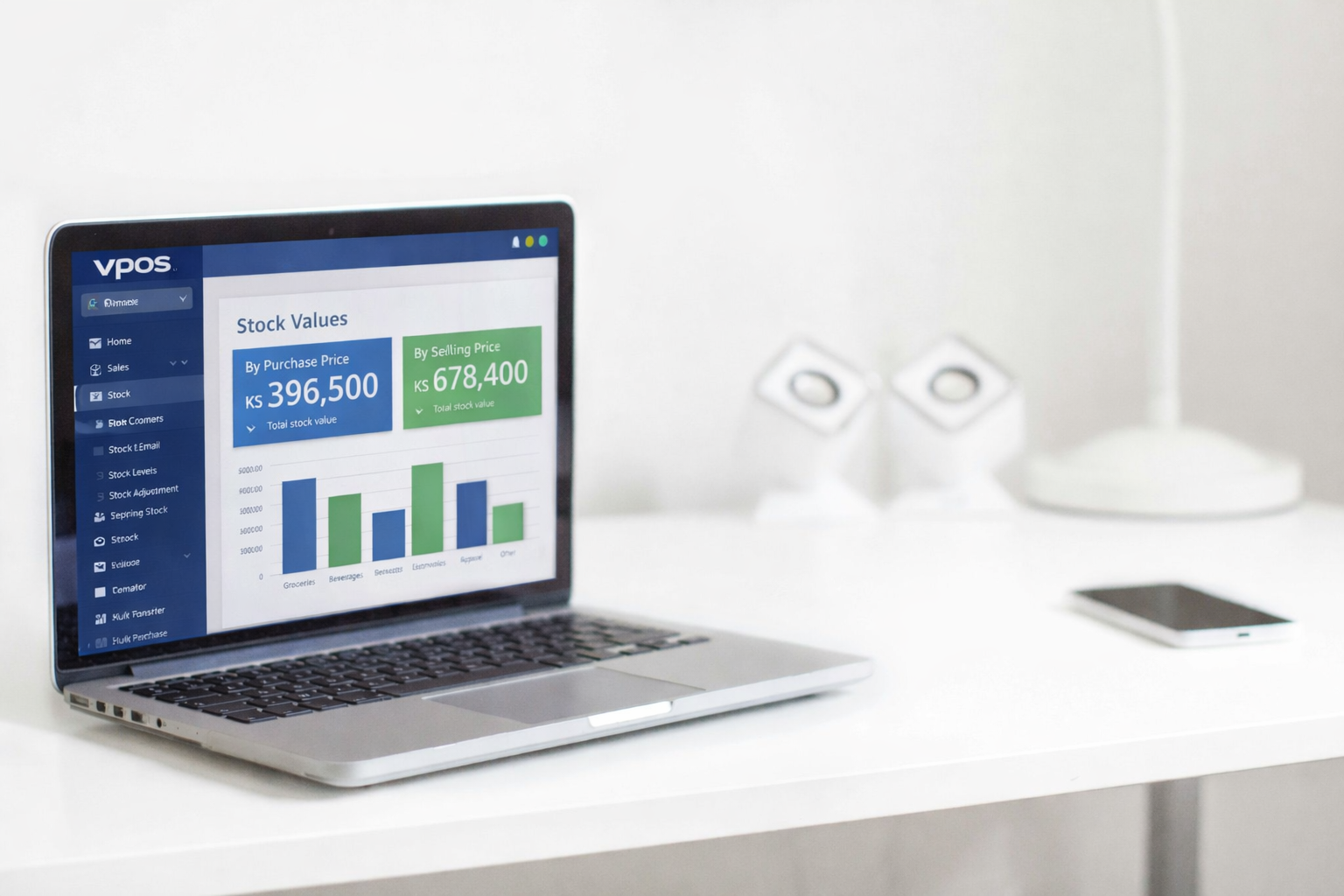
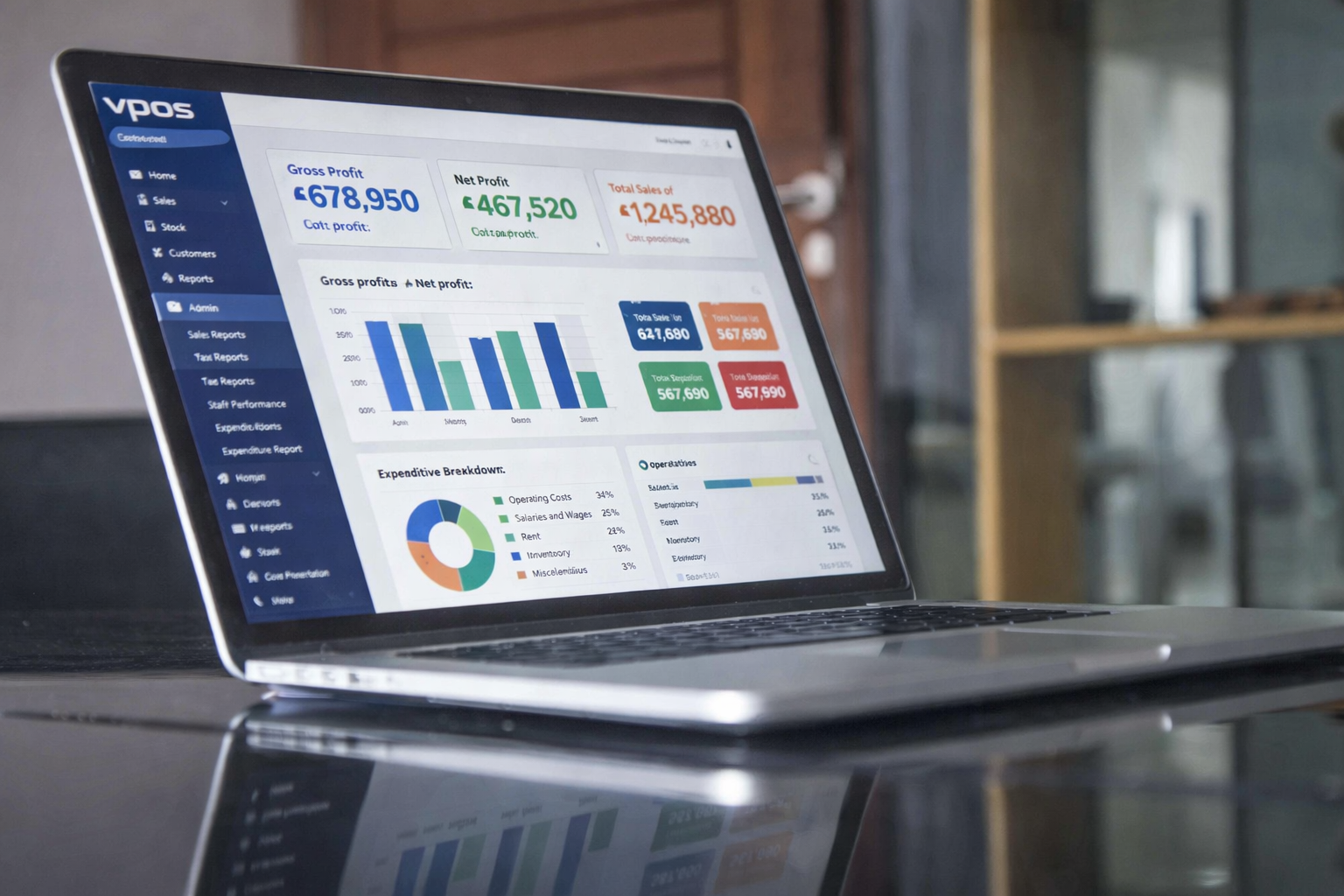
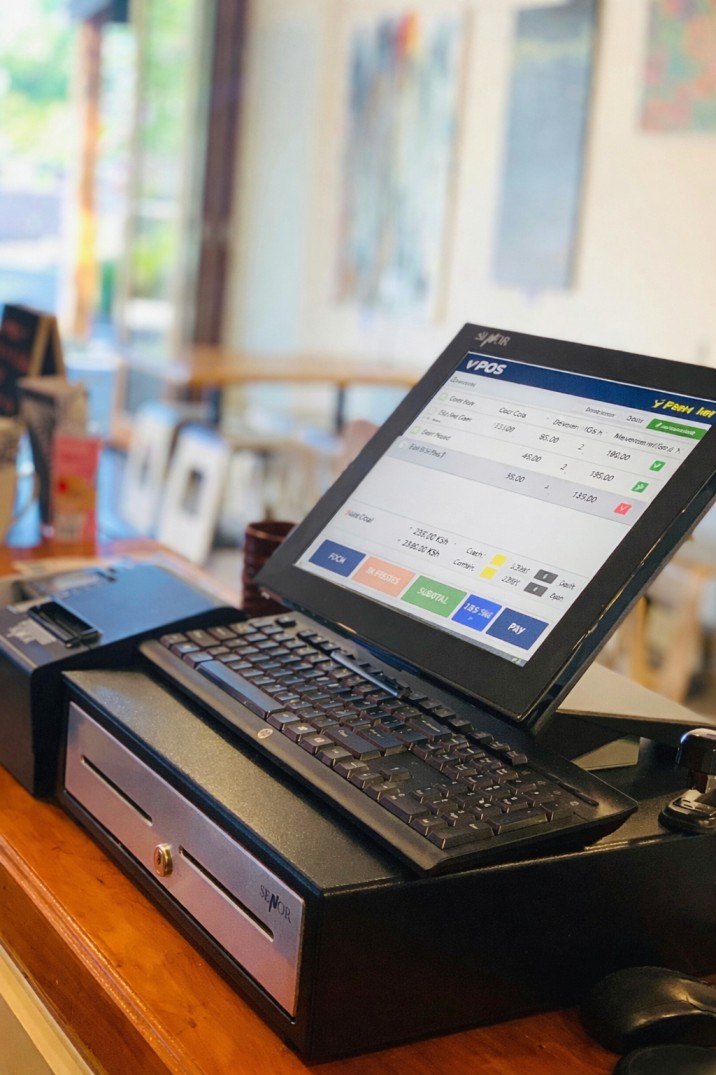

Ask the VPOS team to use your products, payment methods and stock documents in the demonstration.
Review item selection, payment recording and the receipt with the VPOS team.

Use a delivery, a sale and a stock count to discuss the records your shop needs.
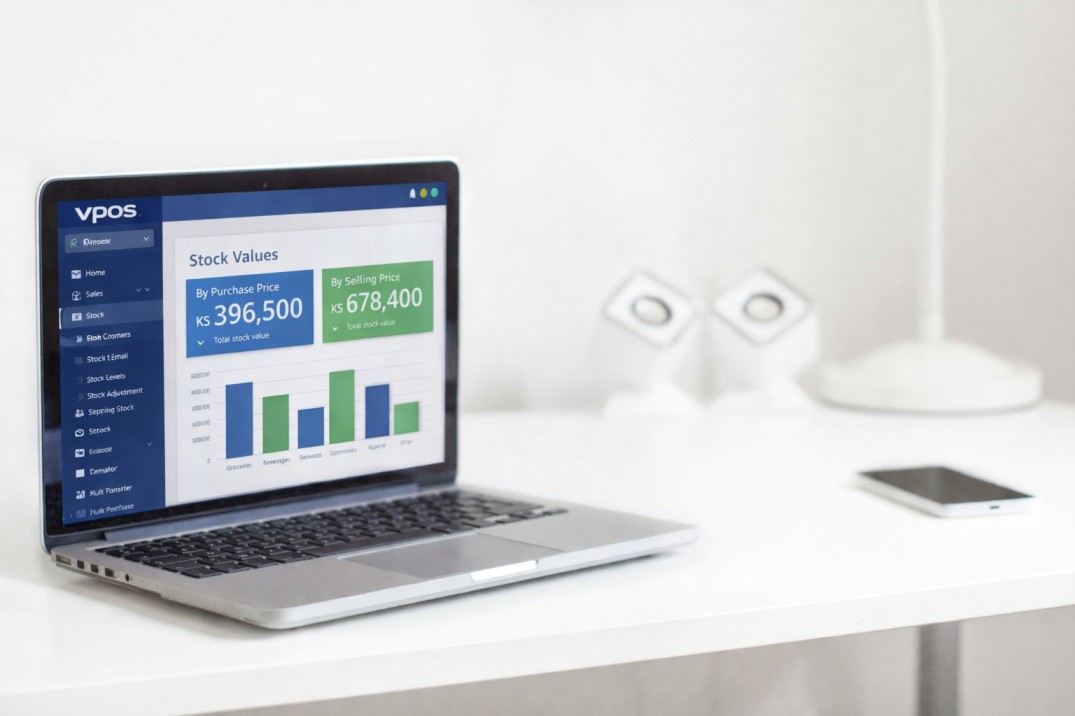
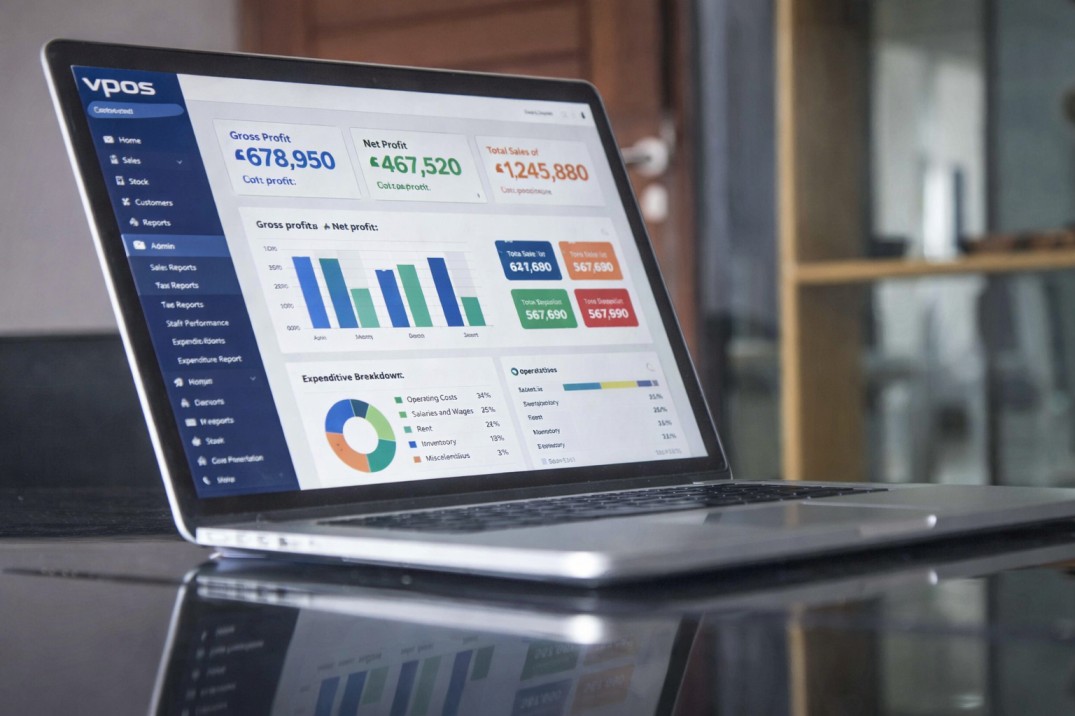
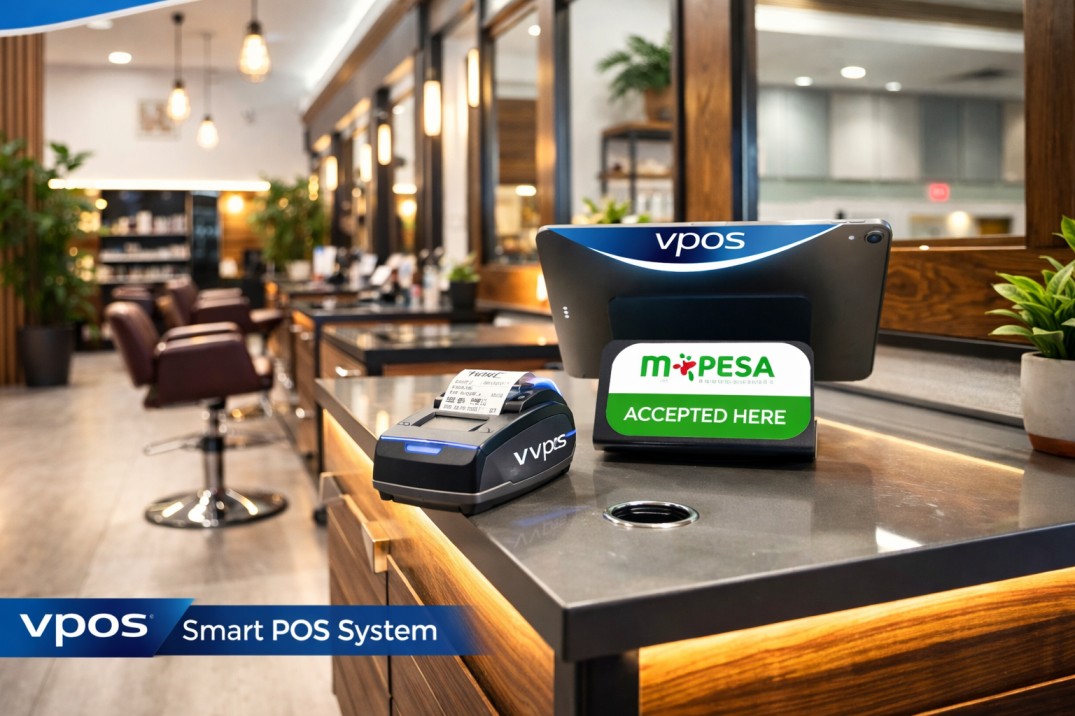
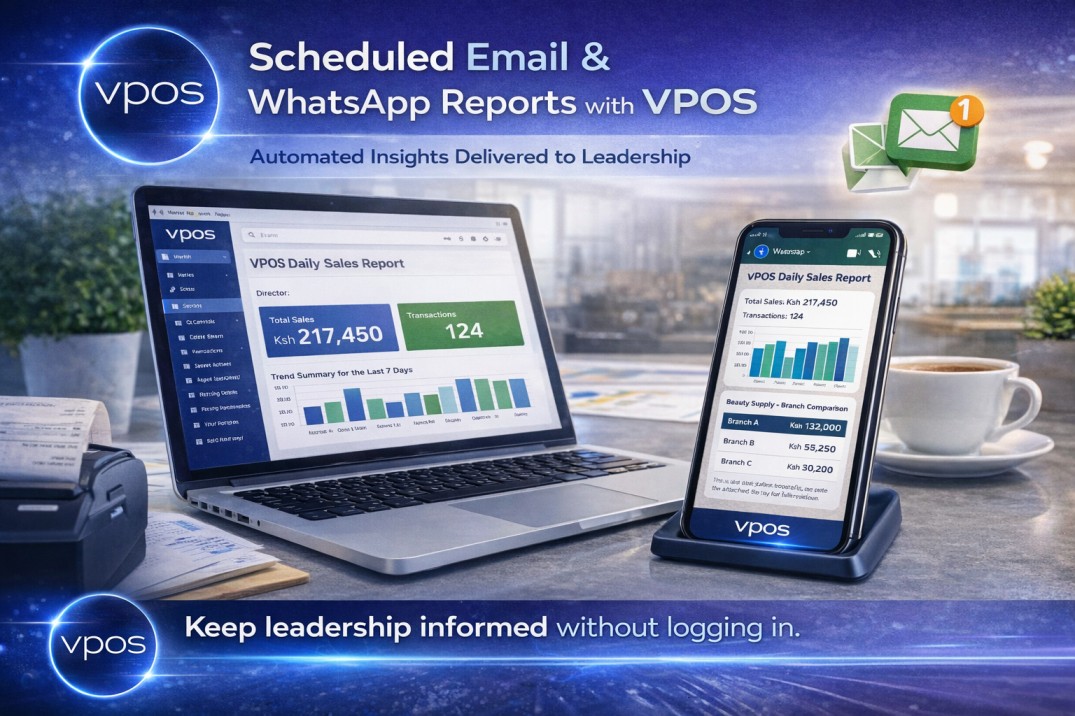
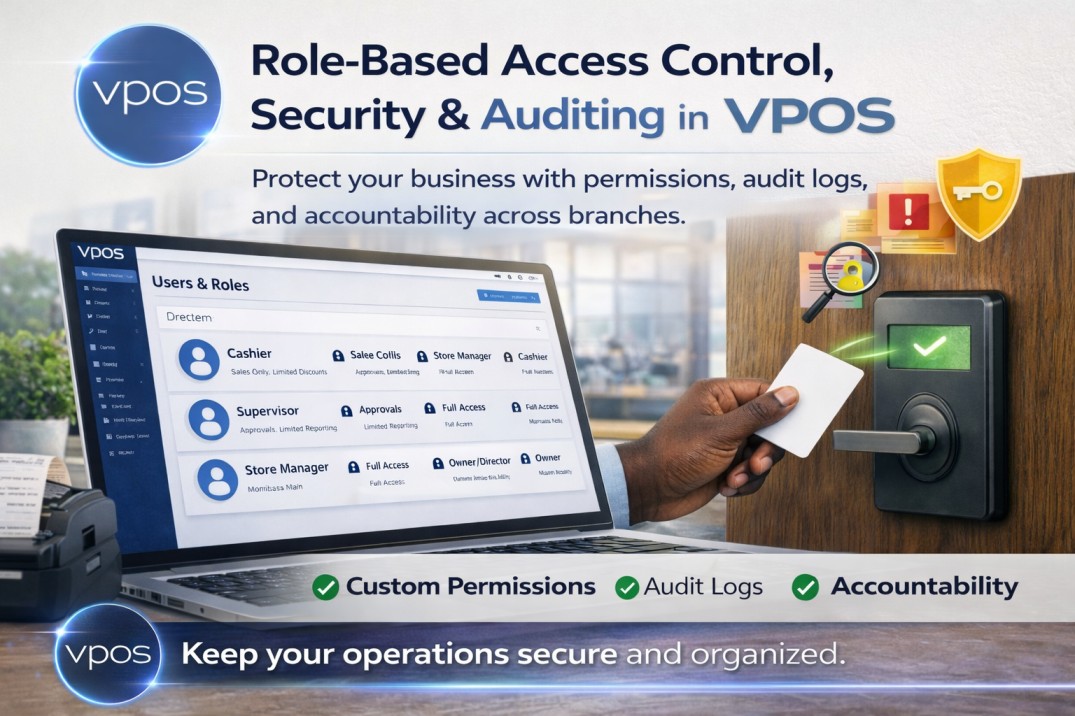
Read the VPOS guides on M-Pesa payments, scheduled reports and access permissions, then discuss your setup with the team.
Prepare for VPOS
Use your products, documents and device models to discuss the VPOS installation your business needs.
Bring a product list, your selling units and an example receipt. Ask VPOS to walk through a sale, a return and the records you need.
Describe how you receive M-Pesa payments, record cash and check stock. Bring a purchase delivery and a stock-count example for the VPOS team.
List your printer and scanner models, the number of sales counters and your branch locations. Ask VPOS to include the required setup and support in your quote.
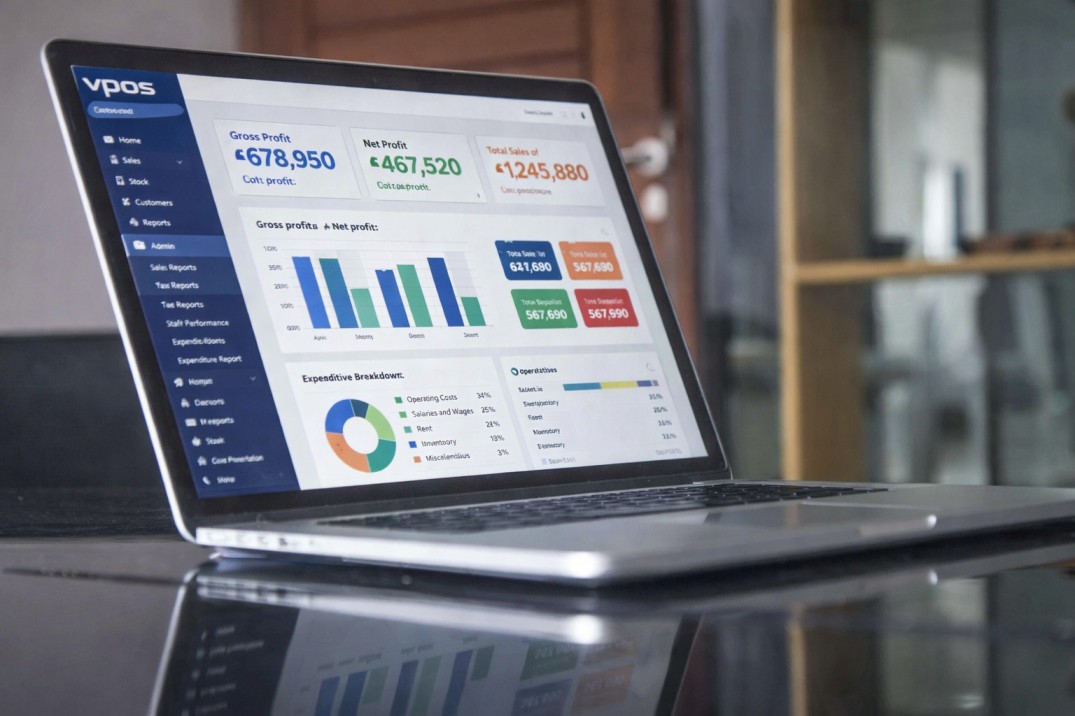
Review the package information, then ask VPOS for a written quote for your tills, branches and required modules.
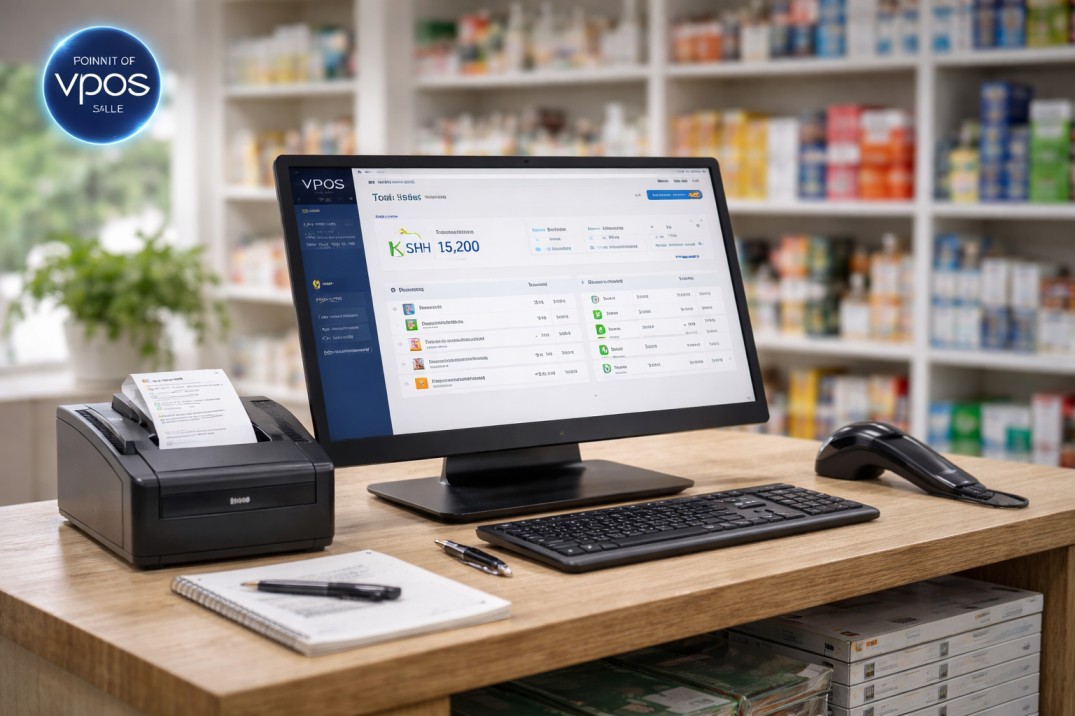
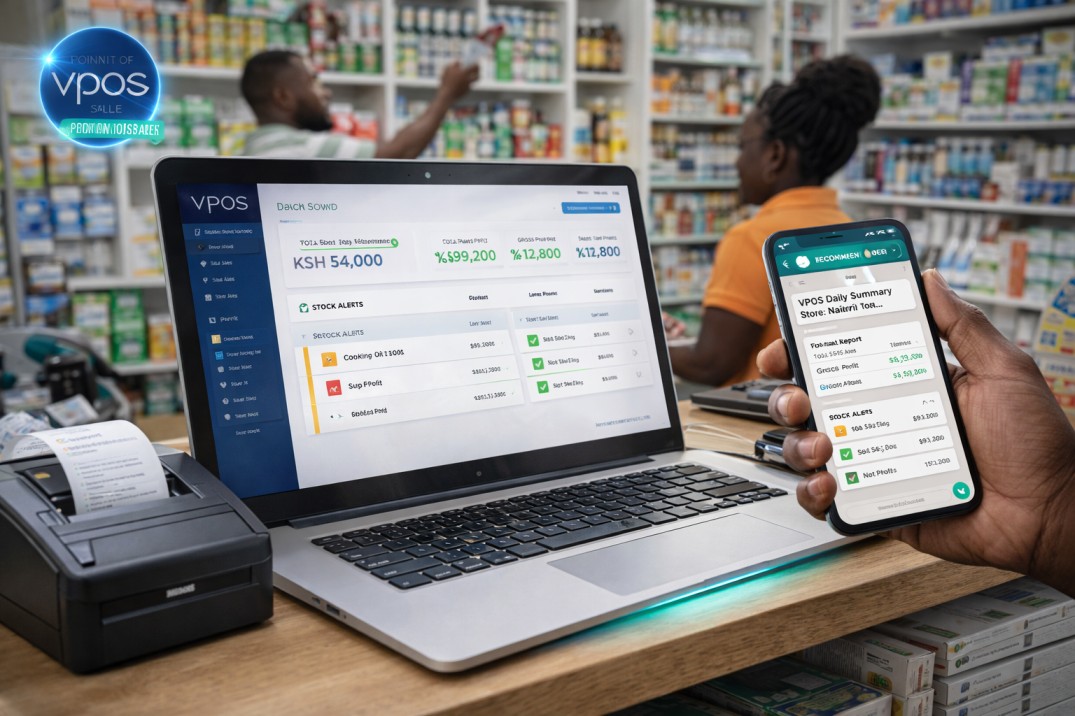 Most popular
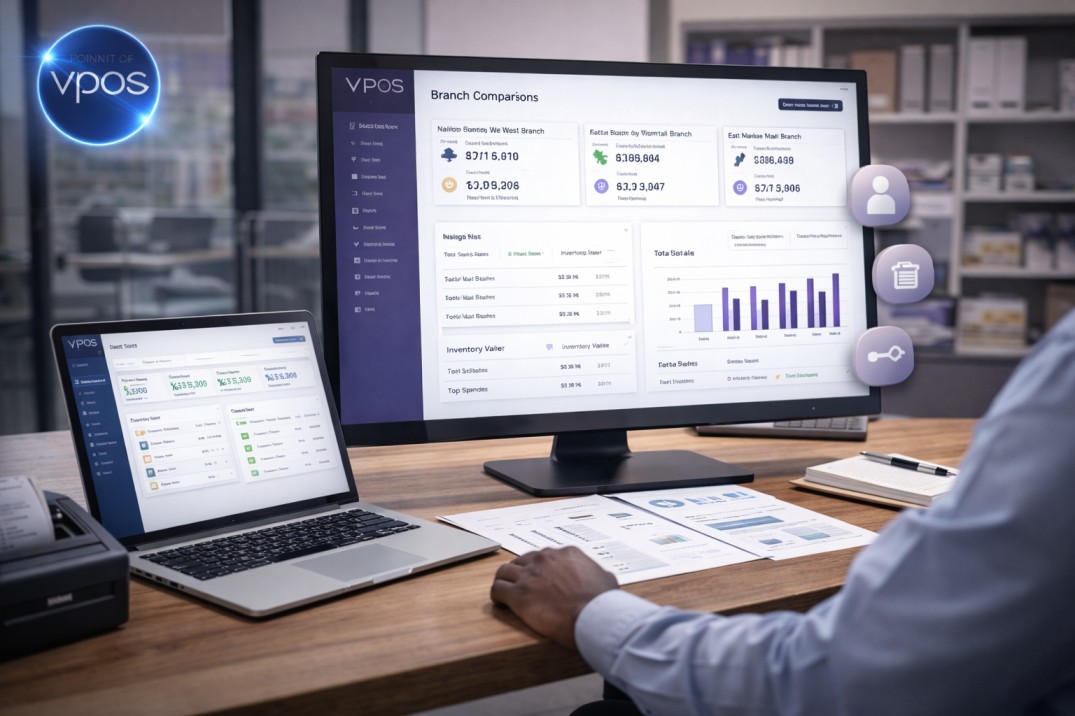
Discuss devices, stock records and onboarding with the VPOS team before choosing a package.

Tell the VPOS team your business type, number of tills and branches, and the sales or stock tasks you want to review.